Creating a home office that is both comfortable and productive is essential for anyone working from home. Whether you’re self-employed, a freelancer, or simply need a dedicated spot for remote work, the right environment can make all the difference. This guide offers practical tips to help you design a workspace that supports focus, reduces stress, and makes working from home enjoyable.
Choose the Right Location
The first step in creating an effective home office is selecting the best spot in your home. Ideally, this should be a quiet area with minimal distractions.
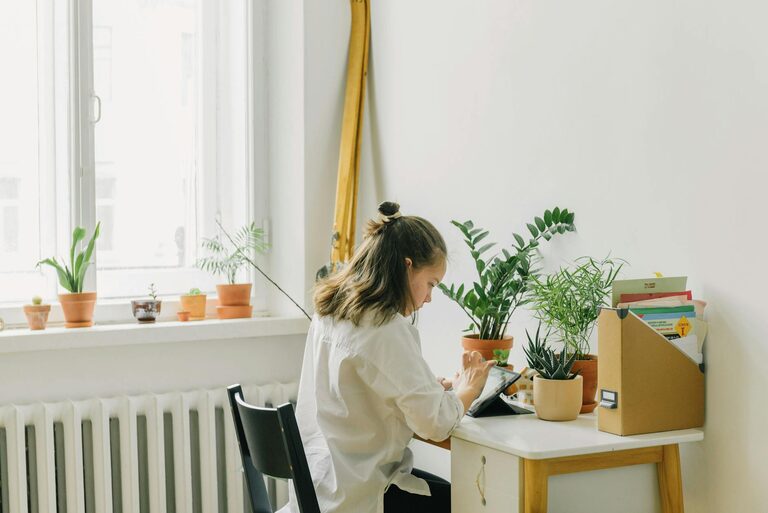
– Consider natural light: Position your desk near a window if possible. Natural light boosts mood and energy and reduces eye strain.
– Limit noise: Avoid high-traffic areas or rooms near noisy appliances.
– Privacy: Ensure your chosen space allows for privacy during calls and focused work.
If space is limited, even a corner of a room or a converted cupboard can serve as a functional workspace.
Invest in Comfortable Furniture
Comfort is key when you’re spending hours at your desk. The right furniture supports good posture and reduces physical strain.
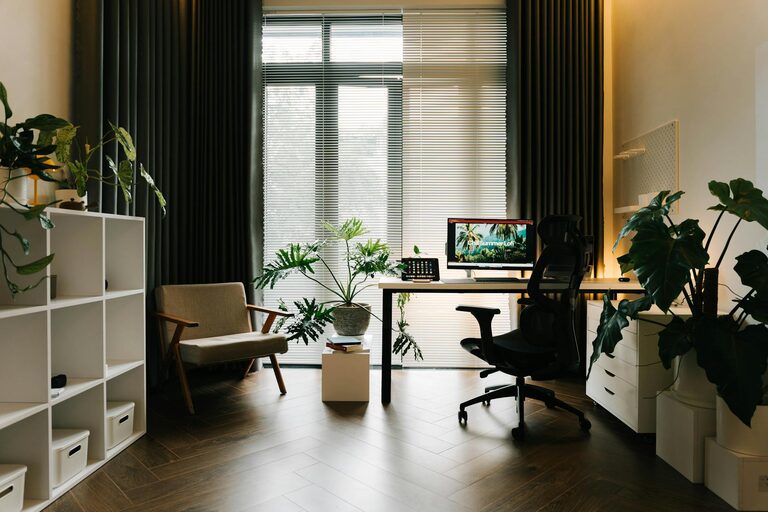
– Ergonomic chair: Choose a chair with adjustable height, lumbar support, and comfortable cushioning.
– Desk: Your desk should be at a height that allows your elbows to be at a 90-degree angle when typing.
– Consider a standing desk: Alternating between sitting and standing can improve circulation and focus.
Make sure your feet rest flat on the floor or on a footrest, keeping knees at a right angle.
Optimise Desk Organisation
A tidy desk helps maintain focus and reduces stress. Here are some tips to keep your workspace organised:
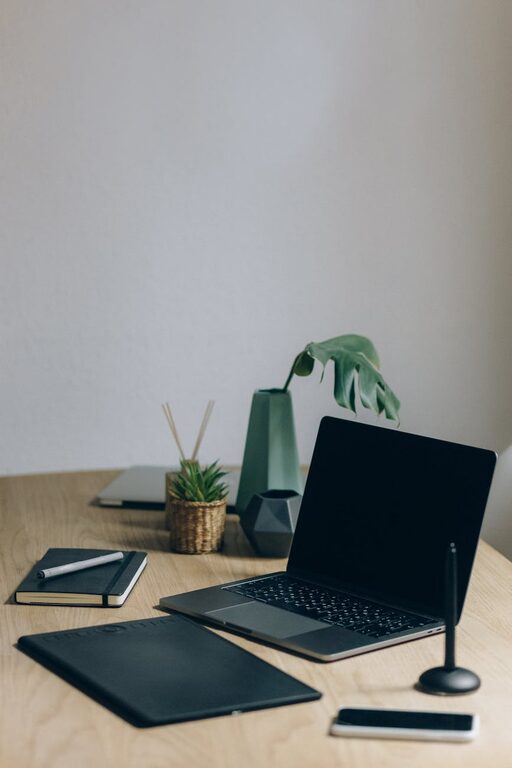
– Declutter regularly: Remove unnecessary items and keep only essentials on your desk.
– Use organisers: Drawer dividers, pen holders, and cable management tools keep things neat.
– Digital organisation: Keep your computer desktop clean and use folders to store files logically.
Organising your workspace also includes managing cords and chargers to avoid a tangled mess.
Improve Lighting
Proper lighting is vital for reducing eye strain and maintaining energy.
– Use a combination of natural and artificial light: Avoid harsh overhead lighting. Instead, combine ambient light with a desk lamp.
– Position lighting correctly: Desk lamps should illuminate your work without creating glare on screens.
– Consider adjustable lighting: Dimmable lights or lamps with colour temperature adjustments can help personalise your lighting.
If possible, avoid sitting with your back to a window, as this can cause screen glare.
Minimise Distractions
A home office should be designed to encourage focus. Reducing distractions will increase your productivity.
– Set boundaries: Make it clear to family or housemates when you’re working.
– Use noise-cancelling headphones: These can help even if your environment isn’t perfectly quiet.
– Limit technology distractions: Turn off non-work-related notifications during focus time.
Creating a routine and sticking to working hours can also help keep your mind on the task.
Add Personal and Functional Touches
Your workspace should feel inviting and motivate you to work comfortably.
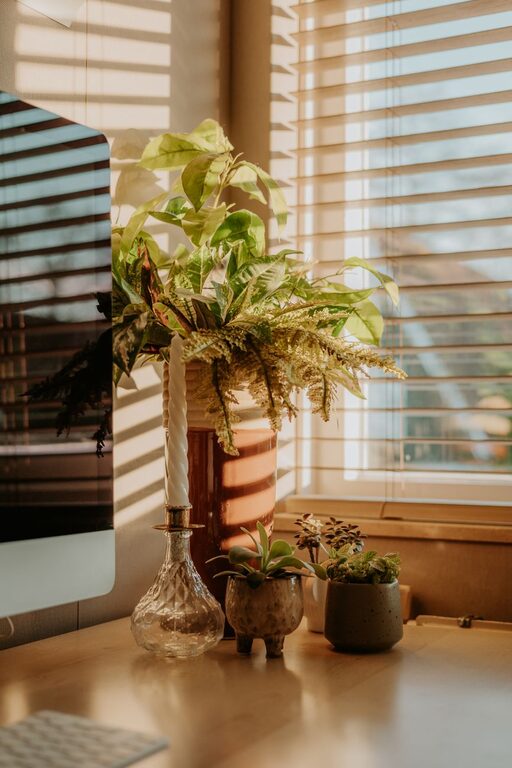
– Plants: Adding greenery can improve air quality and reduce stress.
– Artwork or photos: Choose pieces that inspire or relax you, avoiding overly bright or busy images.
– Essential tools: Keep notebooks, calendars, or planners handy.
However, avoid overcrowding your space with too many personal items, as this can be distracting.
Ensure Proper Technology Setup
Reliable technology is crucial for productivity.
– Stable internet connection: Use a wired connection if possible to avoid interruptions.
– Quality peripherals: Invest in a good keyboard, mouse, and monitor for comfort and efficiency.
– Backup solutions: Consider cloud storage or external drives to protect your files.
Keep your software and hardware updated to avoid technical issues during work hours.
Maintain Good Air Quality and Temperature
Comfort isn’t just about furniture; the environment matters too.
– Ventilation: Keep your workspace well-ventilated to maintain fresh air.
– Temperature: Ensure the room temperature is comfortable—not too hot or cold.
– Air purifiers or fans: Use these if necessary, especially in rooms prone to stuffiness.
Good air quality helps you stay alert and reduces fatigue.
Encourage Movement Breaks
Sitting for long periods can affect your health and concentration.
– Take regular breaks: Follow the 25- or 50-minute work, 5-minute break model (Pomodoro technique).
– Stretch: Simple stretches or a quick walk around your home can refresh you.
– Change positions: Switching between sitting and standing can reduce discomfort.
Setting an alarm or reminder can help you stick to breaks.
Personalise Your Schedule and Routine
Finally, create habits that optimise your workday.
– Plan your day: Use to-do lists or digital planners to organise tasks.
– Set goals: Clear, achievable goals help keep motivation high.
– End your day with a wrap-up: Tidy your desk and note priorities for the next day to separate work time from personal time.
A consistent routine supports focus and work-life balance.
—
Creating a home office that is both comfortable and productive takes some planning, but the benefits are well worth it. By choosing the right space, investing in ergonomic furniture, organising effectively, and managing your environment, you’ll set yourself up for success working from home. Remember, your home office should suit your individual needs and preferences — don’t hesitate to adjust your setup as you discover what works best for you.
About the Author