Creating a home office that balances comfort with productivity can transform your working experience. Whether you’re working remotely, freelancing, or just need a quiet corner for focused tasks, a well-designed space makes all the difference. Here are some practical tips to help you build a cosy yet efficient home office.
Choose the Right Location
Consider Natural Light
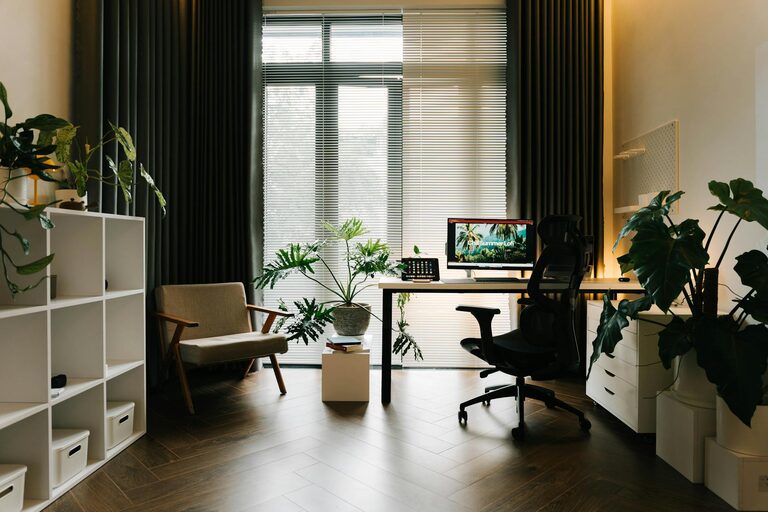
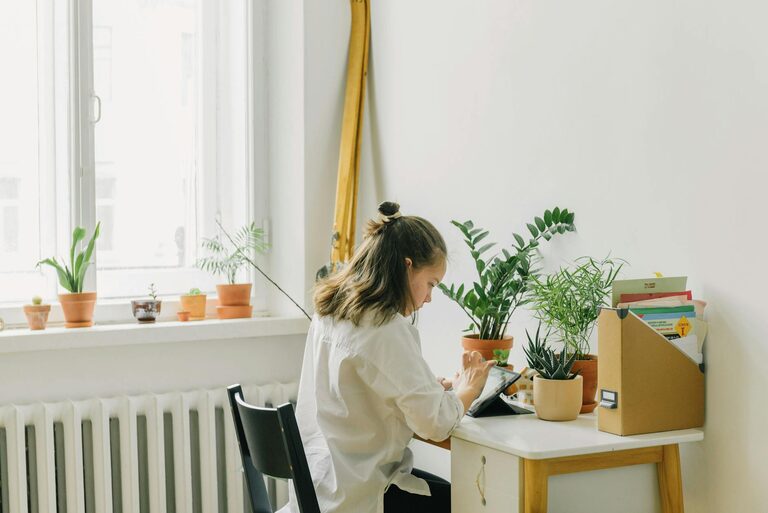
A spot near a window can provide plenty of natural light, which not only brightens your space but also boosts your mood and alertness. If natural light is limited, invest in good-quality artificial lighting that mimics daylight.
Minimise Distractions
Select a quiet area away from busy parts of your home. This will help minimise interruptions and allow you to concentrate better. If noise is unavoidable, consider noise-cancelling headphones or a white noise machine.
Invest in Comfortable Furniture
Ergonomic Chair and Desk
Comfort is essential for long work hours. An ergonomic chair that supports your back and encourages good posture will prevent discomfort. Pair it with a desk at the right height to reduce strain on your wrists and shoulders.
Consider Adjustable Furniture
Sit-stand desks or adjustable chairs offer flexibility and encourage movement, which is beneficial for health and productivity.
Keep Your Space Organised
Declutter Regularly
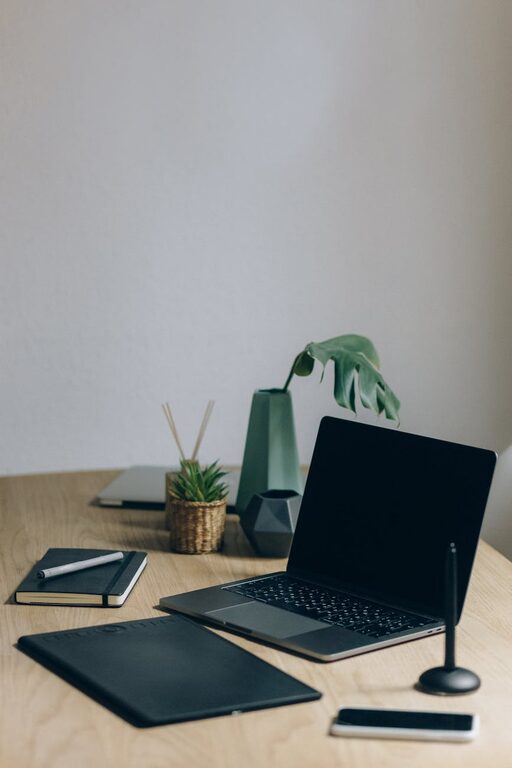
A tidy workspace helps your mind stay clear. Keep only the essentials on your desk and organise other items with storage solutions such as shelves, drawers, or boxes.
Use Cable Management
Messy cables can be distracting and unsafe. Use clips, trays, or cable sleeves to keep wires neat and out of the way.
Add Personal Touches
Incorporate Plants
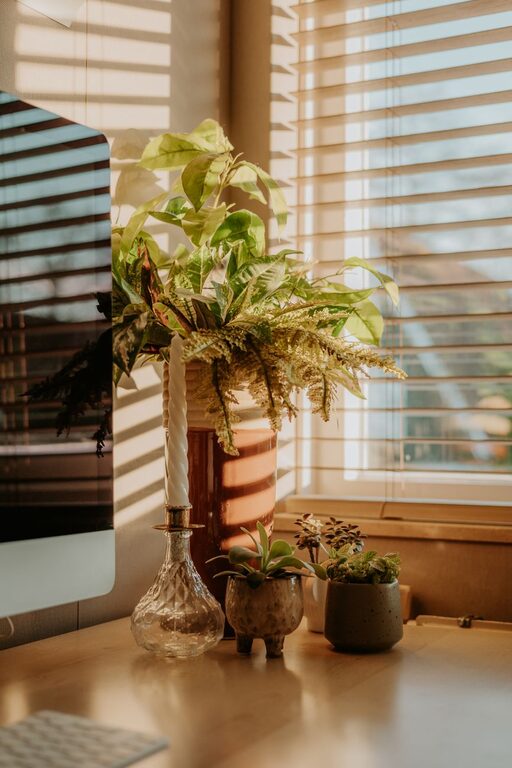
Indoor plants not only improve air quality but add a touch of nature that creates a calming environment. Choose low-maintenance varieties like succulents or spider plants if you’re not confident with plant care.
Personalise Your Space
Display items that inspire you — photos, artwork, or motivational quotes. However, avoid overcrowding, which can make the space feel chaotic.
Optimise Lighting
Layer Your Lighting
Combine ambient lighting (like ceiling lights) with task lighting (such as desk lamps) to reduce eye strain and create a well-lit, inviting atmosphere.
Adjust Brightness and Colour Temperature
Choose bulbs that offer adjustable brightness or warmth. Cooler lights are best for focus, while warmer tones create a cosy environment for breaks.
Create Zones for Different Activities
If your workspace is large enough, designate areas for specific tasks:
– Work Zone: Your main desk area for focused tasks
– Creative Zone: A corner for brainstorming or sketching ideas
– Relaxation Zone: A comfy chair or small sofa to take breaks
This division helps mentally separate work-related activities and encourages productivity.
Use Technology Wisely
Reliable Internet and Equipment
Ensure your internet connection is fast and stable. Invest in good-quality hardware like monitors, keyboards, and headsets to improve efficiency.
Minimise Digital Distractions
Use apps or browser extensions to block distracting websites during work hours. Keep notifications to a minimum and set specific times to check emails.
Maintain Good Air Quality
Ventilate your space regularly to keep the air fresh and prevent stuffiness. A small air purifier can also help, especially if your office is in a busy or dusty area.
Establish a Routine
Having a dedicated workspace helps reinforce the habit of ‘going to work’. Establish a daily routine that includes starting at a consistent time, taking regular breaks, and tidying your workspace before finishing for the day.
—
By thoughtfully designing your home office with these tips in mind, you can create a space that supports both comfort and focus. A cosy, well-organised environment can make your workday more enjoyable and productive. Remember, the best workspace is one that suits your personal needs and preferences, so feel free to experiment until you find the right balance.
About the Author